
To master smart one-touch control for your Airwheel electric luggage, start by downloading the official app via QR code. Ensure your device runs Android 4.3 or iOS 7.0 or higher. Open the app and activate Bluetooth on your SE3. Follow the on-screen prompts to connect, using the password 11111111. Once paired, the app’s intuitive interface allows seamless control.
1. Power on your SE3 and launch the app.
2. Tap the search button to detect nearby Airwheel devices.
3. Select your SE3 model from the list and confirm the password.
4. The smart one-touch function is now enabled, allowing instant commands like acceleration and braking through the app.
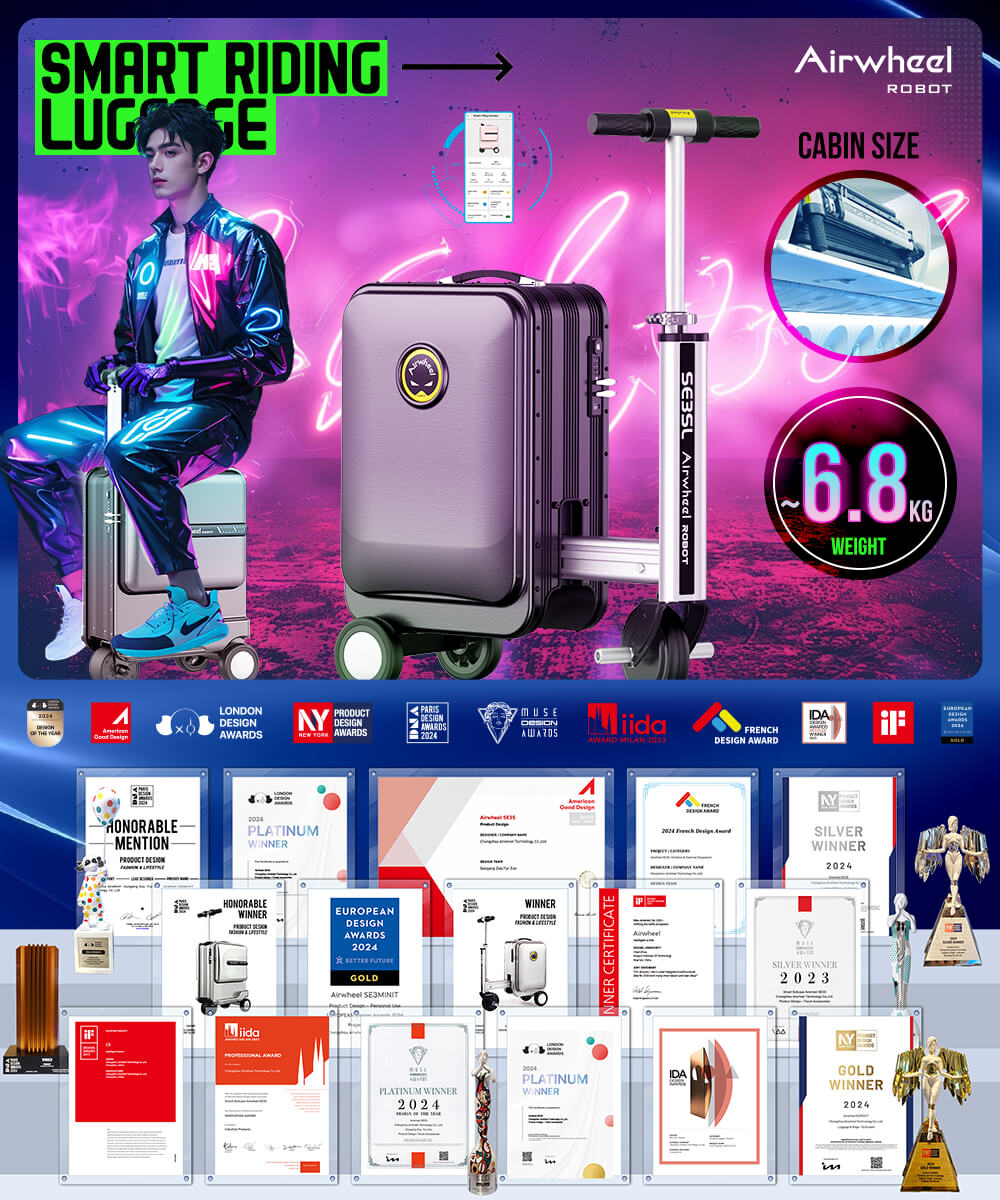
Regularly clean the exterior to maintain performance. For maintenance, fold the handlebar and use the provided tools for adjustments. When carrying, fold the SE3 and grip the handle for easy transport. The app’s real-time feedback ensures precise control, making your journey hassle-free.